

The kitchen reads a screen, not a pile of crumpled dockets
Every station opens its own screen with a link and a code. The order arrives, one tap moves it a column on, and nobody wonders whether the docket slipped behind the pass.
- One screen per station
- One tap moves the ticket on
- A sound on arrival and at the pass
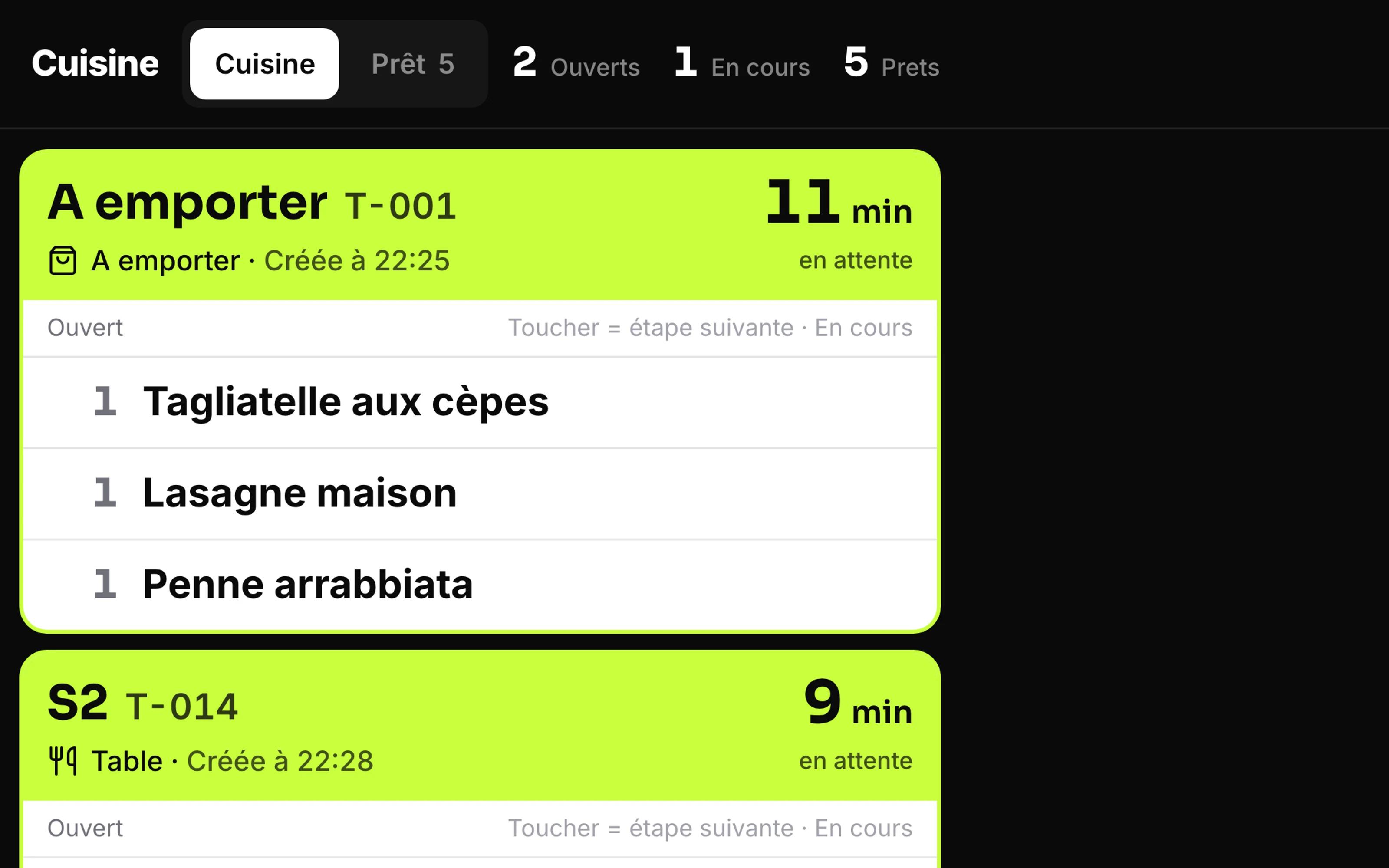
Kitchen screen with tickets per station
The paper docket is the weakest link in service
A dish is missing, the table waits, and the kitchen argues with the floor instead of cooking.
- A docket falls behind the pass and the table waits without anyone knowing.
- The kitchen printer runs out of paper at the busiest moment of service.
- Nobody knows how long table six has actually been waiting.
- Kitchen and bar share the same pile of dockets and get in each other's way.
Service stops hanging on a piece of paper
No more lost ticket, and you see how long a dish really takes.
What it looks like in your business
Three stations that need the same ticket differently.
Prep for tomorrow morning, not for the next table.
- Restaurants where kitchen and bar work to two different rhythms.
- Snack bars and pizzerias with many takeaway orders at once.
- Kitchens where the team does not speak the same language as the floor.
- Businesses that want to stop depending on a kitchen printer.
Getting the kitchen on screen
A kitchen screen instead of paper, split per station, with a timer per ticket. One item can go to several stations.
Create your stations
Kitchen, bar, pastry: a name, an icon, a language and a display order. A station belongs to one branch or to all of them.
Attach the products
The product record says which station prepares it. Anything without a station goes to the first active station, so nothing is lost.
Open the screen in the kitchen
Open the station link on the tablet, enter the code, go fullscreen. Service can start.
What it looks like in service
Every image comes from a live account — booked receipts, open tables, finished payslips. No drawn mockups.
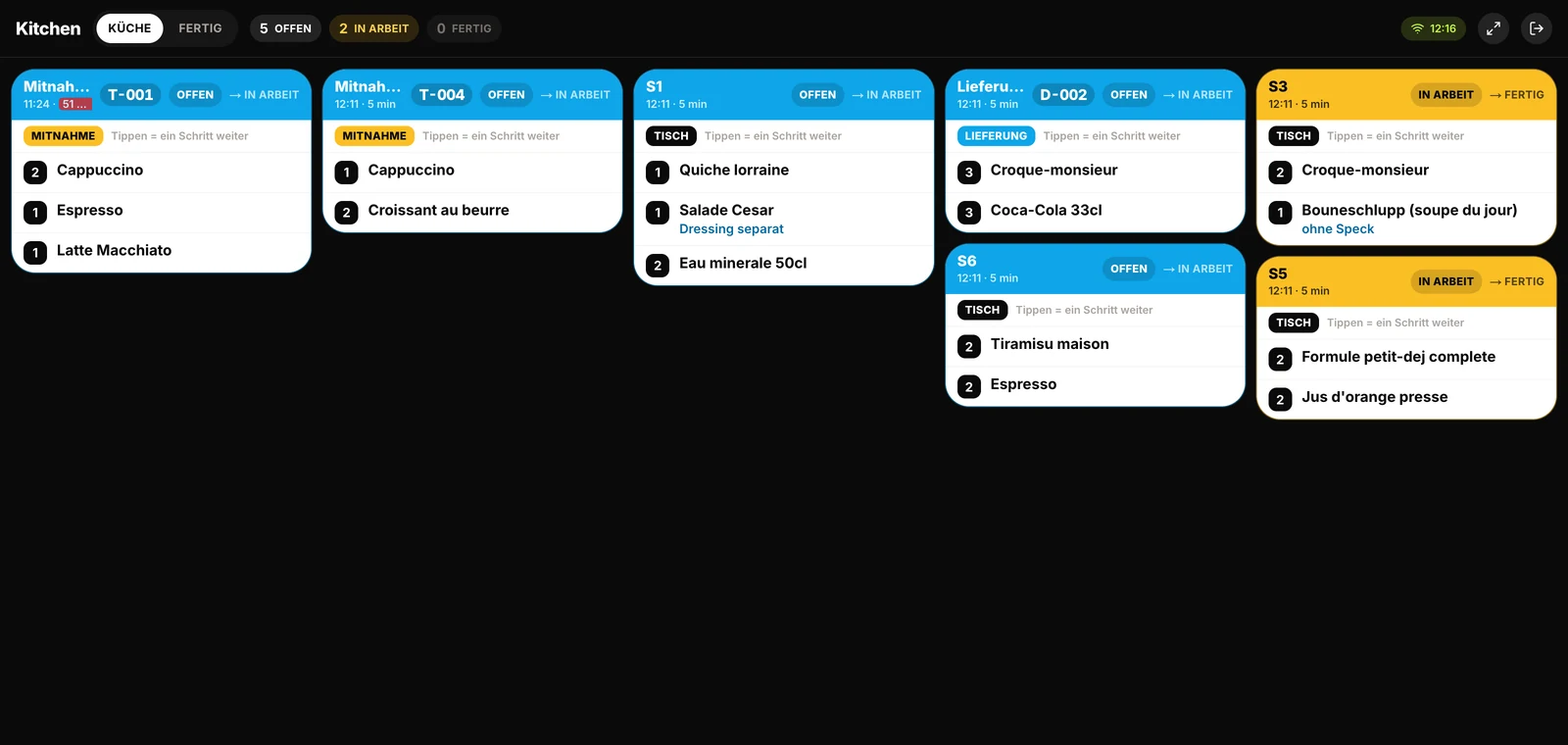
Kitchen
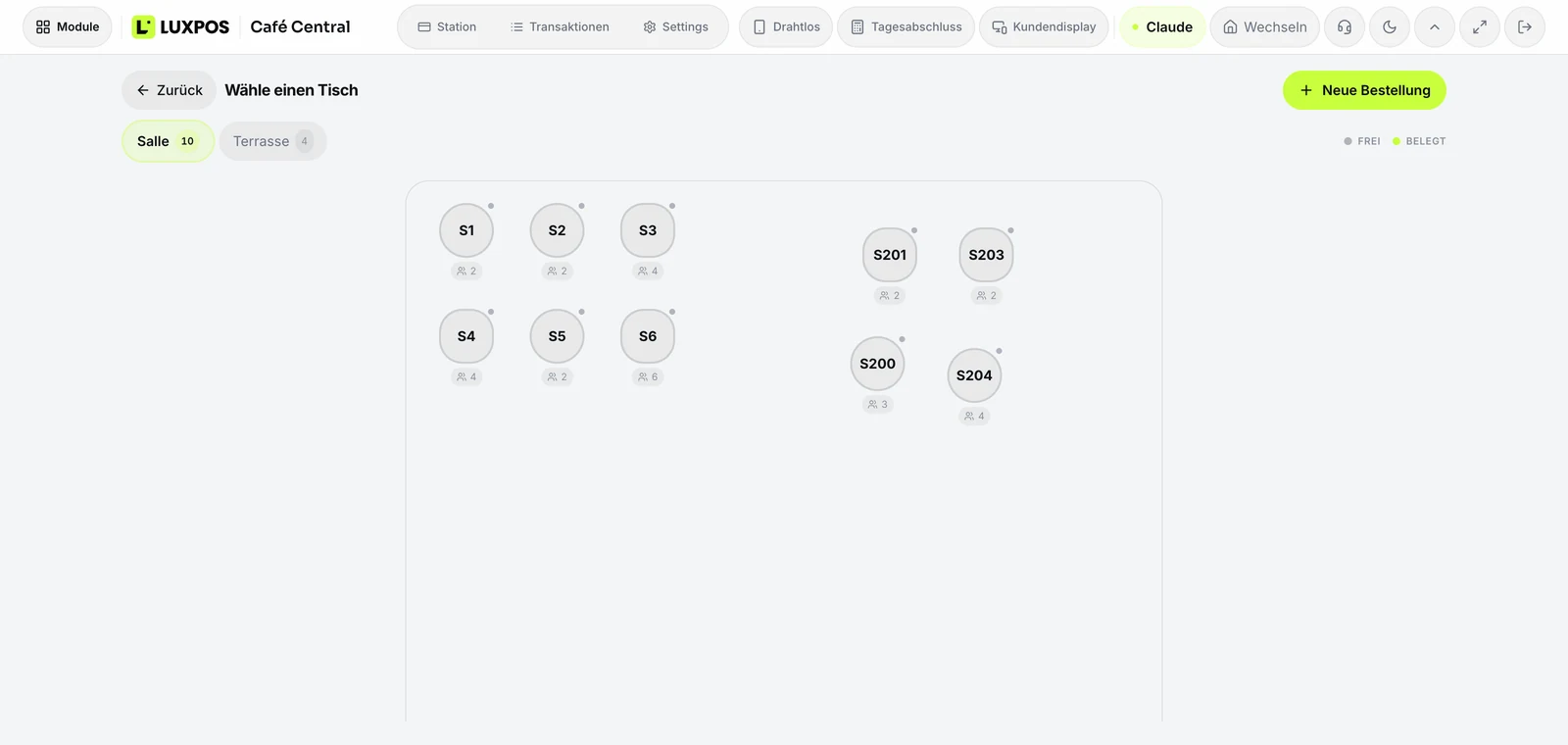
Floor plan
One screen per station, one queue of orders
The screen runs on any tablet or any display with a browser. It opens from a link, unlocks with a code, and asks for no account.
Three columns, one tap
Open, in progress, ready, then a final action to close the ticket. One tap moves it on, the display changes straight away and reverts by itself if saving fails. Going back is allowed, skipping a step is not.
The minutes that matter
Every card shows the time since the order was placed and turns to a late state after twelve minutes. The screen refreshes every five seconds and shows the last update time along with the connection state.
Two sounds, two signals
One sound for an incoming order, another for the pass. The sounds are loaded when the screen opens, and if the file will not play the browser produces a fallback tone.
Every line has its station
A product can carry its preparation station. On send, the lines are grouped and one ticket per station is created, all tied to the same send. A line with no station goes to the first active station, and disabled stations or stations of another branch are never targeted.
Printing stays a safety net
A station can output to the screen, to the printer, or to both. Printing goes through a queue that the on-site bridge collects, because the server is not on your network. If printing fails, the ticket stays on the screen.
One access per station, revocable
Every station has its own link and code. If a tablet goes missing you regenerate that station's link, which kills the old access without touching the others.
A Luxembourg kitchen rarely speaks only one language
In the same house the floor takes the order in French while the pass works in Portuguese or Italian. The kitchen display accounts for that instead of ignoring it.
- The language is set per station, not for the whole business.
- Item names are re-resolved for the station that cooks, the guest keeps their own.
- The screen exists in French, German, English, Italian, Portuguese and Chinese.
- A station can serve one specific branch or all of them.
Kitchen display questions
- Do I need special hardware?
- No. Any tablet or any screen with a browser will do. The screen opens from a link, there is no app to install and no account to create on the device.
- How does a cook sign in?
- They do not. The station has its own link, protected by a code you set. If a tablet goes missing you regenerate that station's link and the old one stops working.
- What reaches the screen today?
- Orders placed by guests through Order at Table land straight on the right station's screen. Every ticket carries its origin: dine in, takeaway or delivery.
- What if the kitchen printer fails?
- Service carries on. A station can output to the screen only, the printer only, or both, and a failed print never removes the ticket from the screen.
- Can kitchen and bar be separated?
- Yes, that is exactly what stations are for. Drinks go to the bar and dishes to the kitchen, each with its own ticket, tied together by the same send.
- Does the screen update by itself?
- Yes, it fetches new orders every five seconds and shows the time of the last update. It is not a permanent connection, so expect a few seconds between the send and the display.
The other modules
Watch a service run across the screen
We set up your stations with you and push an order from the table through to the pass, on your own menu.