

Your Shopify store and your till on the same stock
LUXPOS pushes your catalog to Shopify, keeps the stock aligned on both sides and turns every paid order into an invoice with Luxembourg VAT. Customers collect on the same card online and in the shop.
- Stock synchronised both ways
- A paid order becomes an invoice
- One loyalty card for both channels
Two systems, two stock figures, two sets of books
- An item sold in the shop is still listed online, and the order arrives for something that no longer exists.
- Prices are maintained twice, once at the till and once in Shopify.
- Online orders are retyped into the accounts by hand, or not at all.
- The regular in the shop is nobody online.
Getting it running
Install the app in Shopify
The LUXPOS app is added to your Shopify admin and runs embedded there, so you never leave Shopify.
Link your LUXPOS account
You sign in with your existing LUXPOS account, or create one from the store. If your account runs several businesses, you pick the one to link.
Allow catalog and stock
Product and inventory permissions are only requested if you want the sync. You then send the catalog once, and the connection keeps running on its own.
What it looks like in service
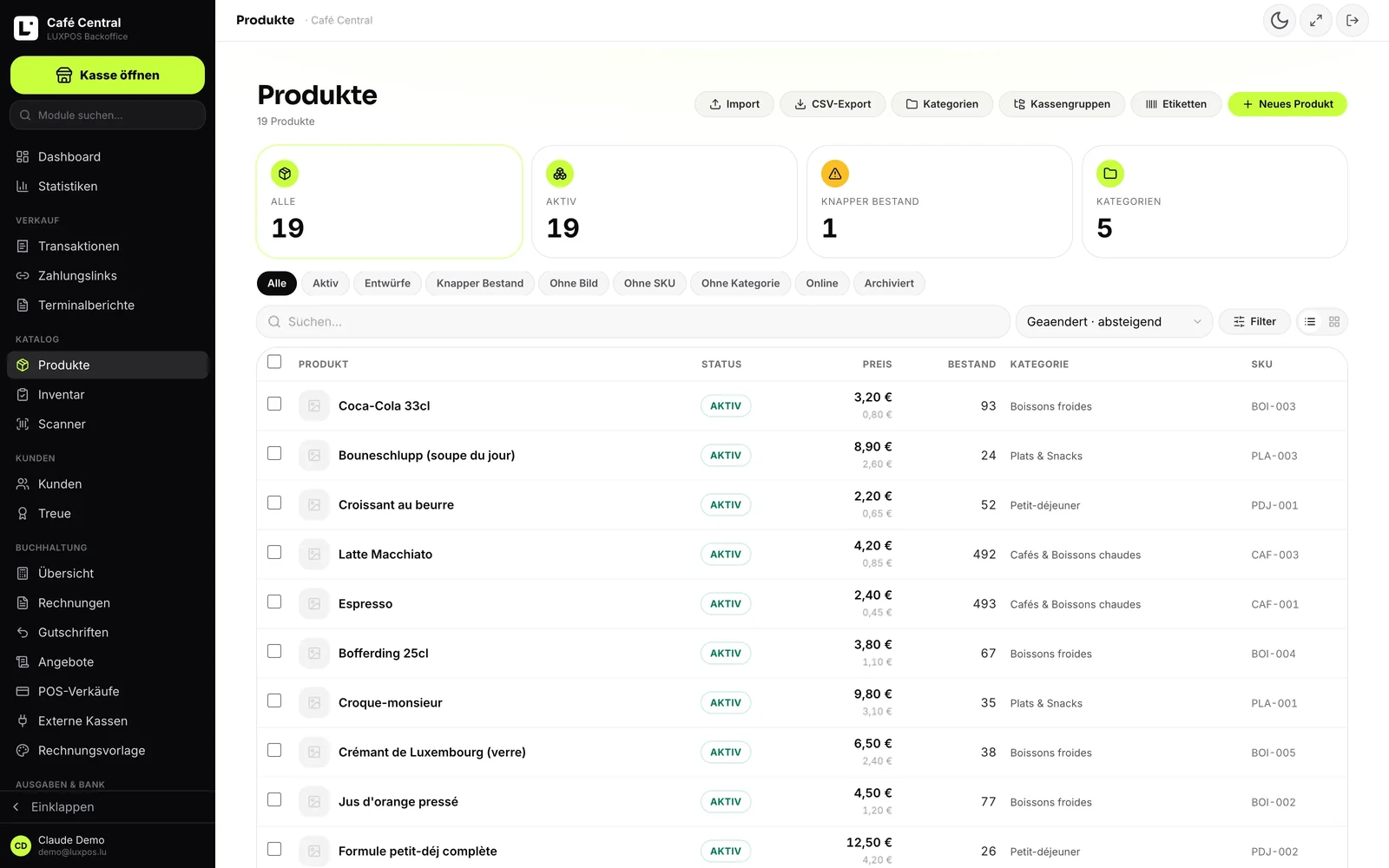
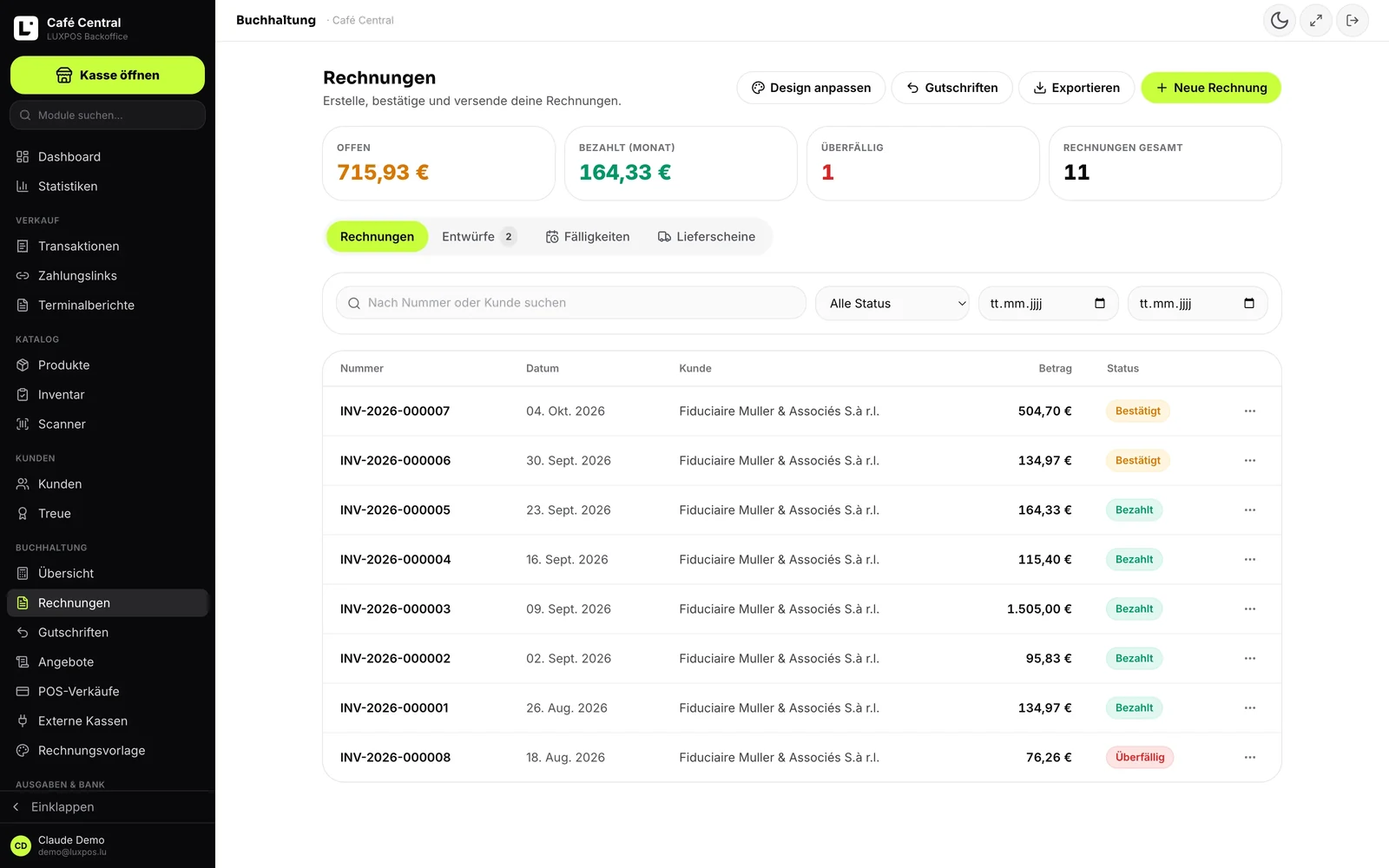
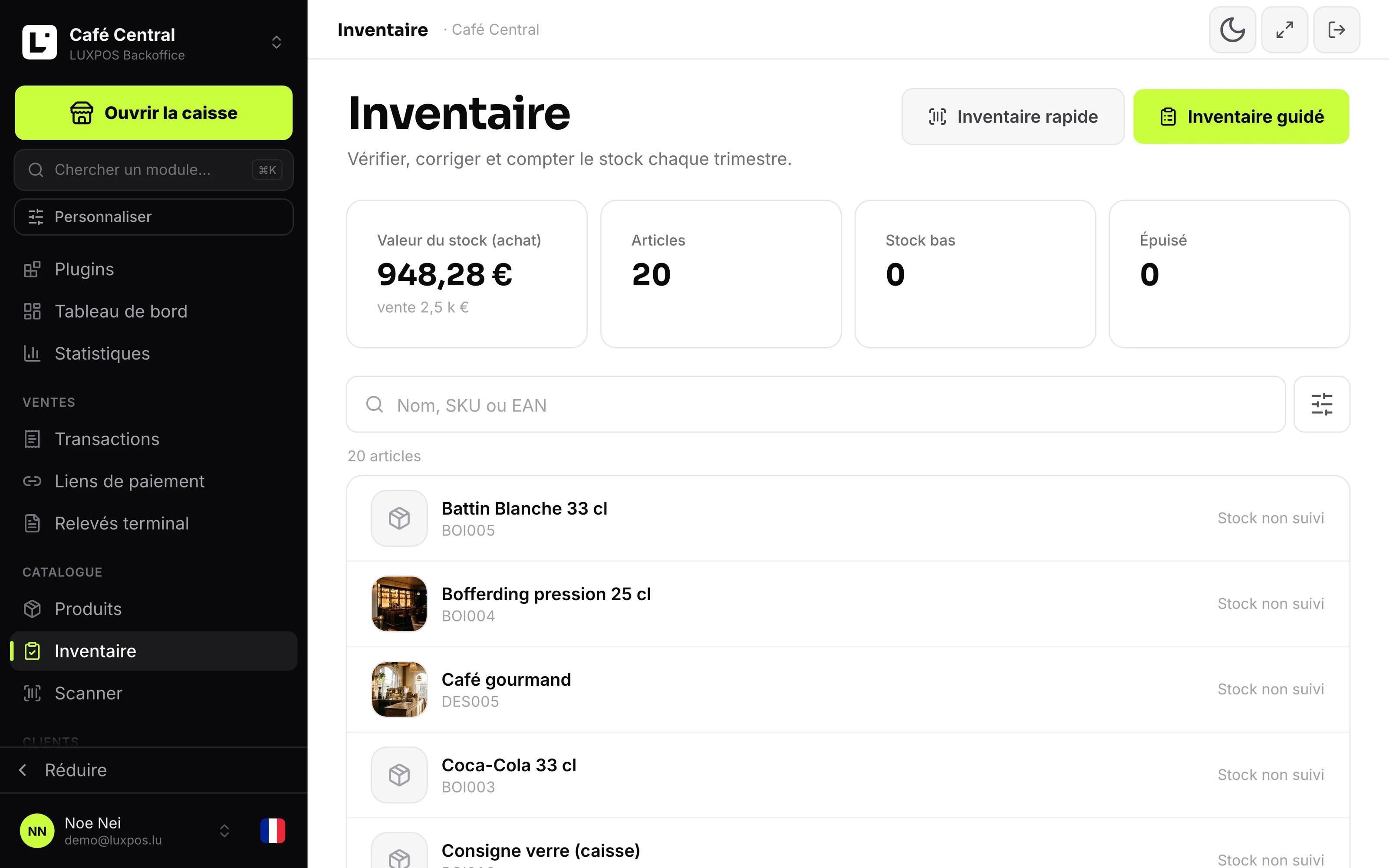
Every image comes from a live account — booked receipts, open tables, finished payslips. No drawn mockups.
Catalogue
Invoices
Inventory
What moves, and which way
Everything is driven from the Shopify admin, where the LUXPOS app is embedded. This is exactly what crosses between the two systems.
The catalog goes to Shopify
Name, description, vendor, type, tags, price and compare-at price, EAN as the barcode, SKU and up to ten images, published to the online store. The direction is one way: LUXPOS stays the source of the catalog.
Stock moves both ways
A sale at the till updates the quantity in Shopify, and a correction made in Shopify comes back to LUXPOS and leaves a line in the movement log. An item that hits zero is out of stock on both sides.
A paid order becomes an invoice
Every paid order creates a LUXPOS sales invoice: the order lines, shipping as its own line, the buyer's details. You decide whether the invoice is created as a draft, confirmed, or already marked paid.
VAT, and the invoice in the buyer's inbox
The invoice can be emailed to the buyer as a PDF, and its link is attached to the Shopify order. The VAT treatment follows the destination: the Luxembourg rate at home, 0% with the reverse-charge note for intra-EU B2B, 0% on export.
Customers land in the customer file
A customer created or changed in Shopify is taken into the LUXPOS customer file by email address, and their invoices show up in their file.
One loyalty programme, two channels
An online purchase credits the same card as a visit to the shop. When points are spent, LUXPOS creates a Shopify discount code reserved for that customer and marks it used as soon as it appears on a paid order.
VAT, the Luxembourg way
A Luxembourg online store does not only sell to Luxembourg, and VAT follows the destination, not the till. That decision is made when the invoice is created.
- Luxembourg rates 0, 3, 8, 14 and 17%, with 17% as the default.
- Domestic sale at the product's Luxembourg rate.
- Intra-EU B2B: 0% with the reverse-charge note.
- Export outside the EU: 0%.
- EU B2C: the destination country's rate when OSS is switched on.
- Alternatively, Shopify's own tax calculation can be taken over as it is.
Shopify connection questions
- Is the app published on the Shopify App Store?
- Not yet, the submission is in progress. In the meantime we open access on request for businesses that want to start now. Write to us and we will set the connection up.
- Which way do products travel?
- From LUXPOS to Shopify only. A product created directly in Shopify is not pulled into LUXPOS, so keep the catalog on the LUXPOS side and let it publish.
- Are variants supported?
- No. The connection writes a single variant per product: an item in several sizes or colours has to exist as several products in LUXPOS.
- How does stock work if I have several branches?
- The sync covers the product's total quantity against one Shopify location. Stock per branch exists in LUXPOS, but it is not spread across several Shopify locations.
- Does a till sale create a Shopify order?
- No. Orders travel from Shopify to LUXPOS. A till sale updates the stock in Shopify but does not create an order there.
- What happens with a refund or a cancellation?
- Nothing automatic: only paid orders are taken over. A refund or cancellation is handled in LUXPOS accounting with a credit note.
- Where is the connection managed day to day?
- In the Shopify admin. The LUXPOS app there holds the settings for accounting, products, loyalty and the storefront widget; the LUXPOS back office does not have a Shopify screen yet.
The other modules
One stock, two counters
Tell us what you sell online and we will look together at what the connection takes over from your Shopify store.