

Who owes you what, on a single file
Every customer has a file: contact details, invoices, quotes, till tickets, addresses and their account. The open balance sits right there, and the statement of account comes out as a PDF when the customer asks for it.
- Invoiced, settled and open per customer
- Statement of account as a PDF
- Credit notes applied to an invoice
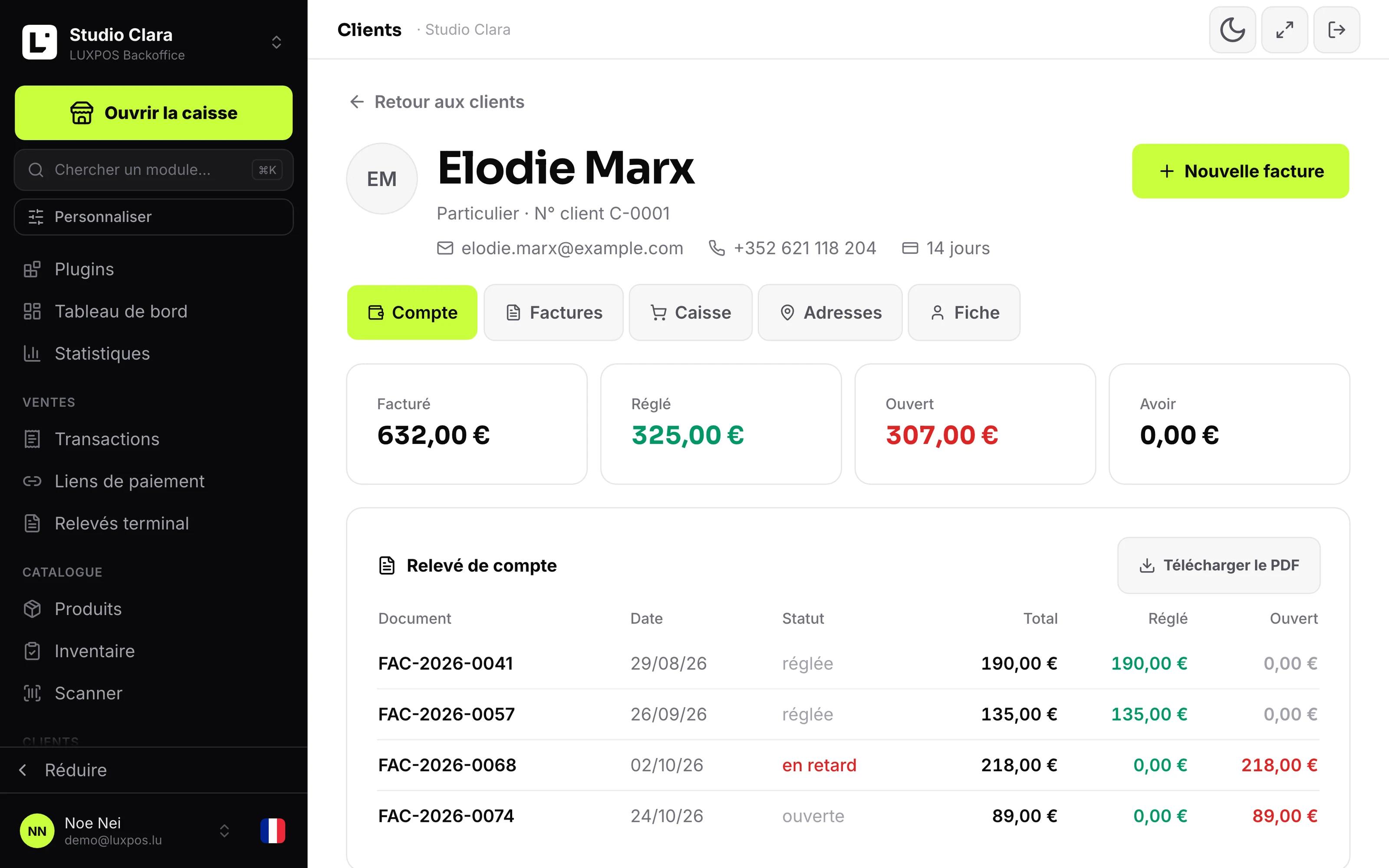
Customer file with history and open balance
A customer balance should not depend on somebody's memory
Whoever goes on holiday takes the knowledge with them, and nobody finds the open customer accounts again.
- What a customer still owes is spread over invoices, a notebook and the owner's head.
- A customer asks for the year's summary and somebody rebuilds it by hand in a spreadsheet.
- A credit note exists somewhere, but nobody knows whether it has been used.
- The business customer's VAT number and company registration number are retyped on every invoice.
The file knows what only one person used to know
Everyone on the team greets the customer the way only the owner could, and every open balance is traceable.
What it looks like in your business
Colour formula, preferences and the last appointment, so every colleague knows what was done.
Deliver on account and invoice once a month instead of taking payment on every drop.
Purchase history for warranty and exchange, even with no receipt in hand.
- Businesses that invoice companies and grant payment terms.
- Wholesalers and suppliers with group discounts and negotiated prices.
- Restaurants and salons with company accounts alongside walk-in trade.
- Any business issuing credit notes that needs to know what is still available.
Setting up a customer account
One customer file with contact, history, spend, outstanding amounts and notes. Sell on account and collect at month end.
Create the file
Private person or business. The customer number is assigned by LUXPOS, or entered by you if your numbers come from an existing series.
Invoice and take the money
Invoices, quotes, credit notes and till tickets hang off the file. The payment terms on the file set the due date.
Read the account, settle it
Apply a credit note to an open invoice, refund an overpayment, or produce the statement of account as a PDF for the customer.
What it looks like in service
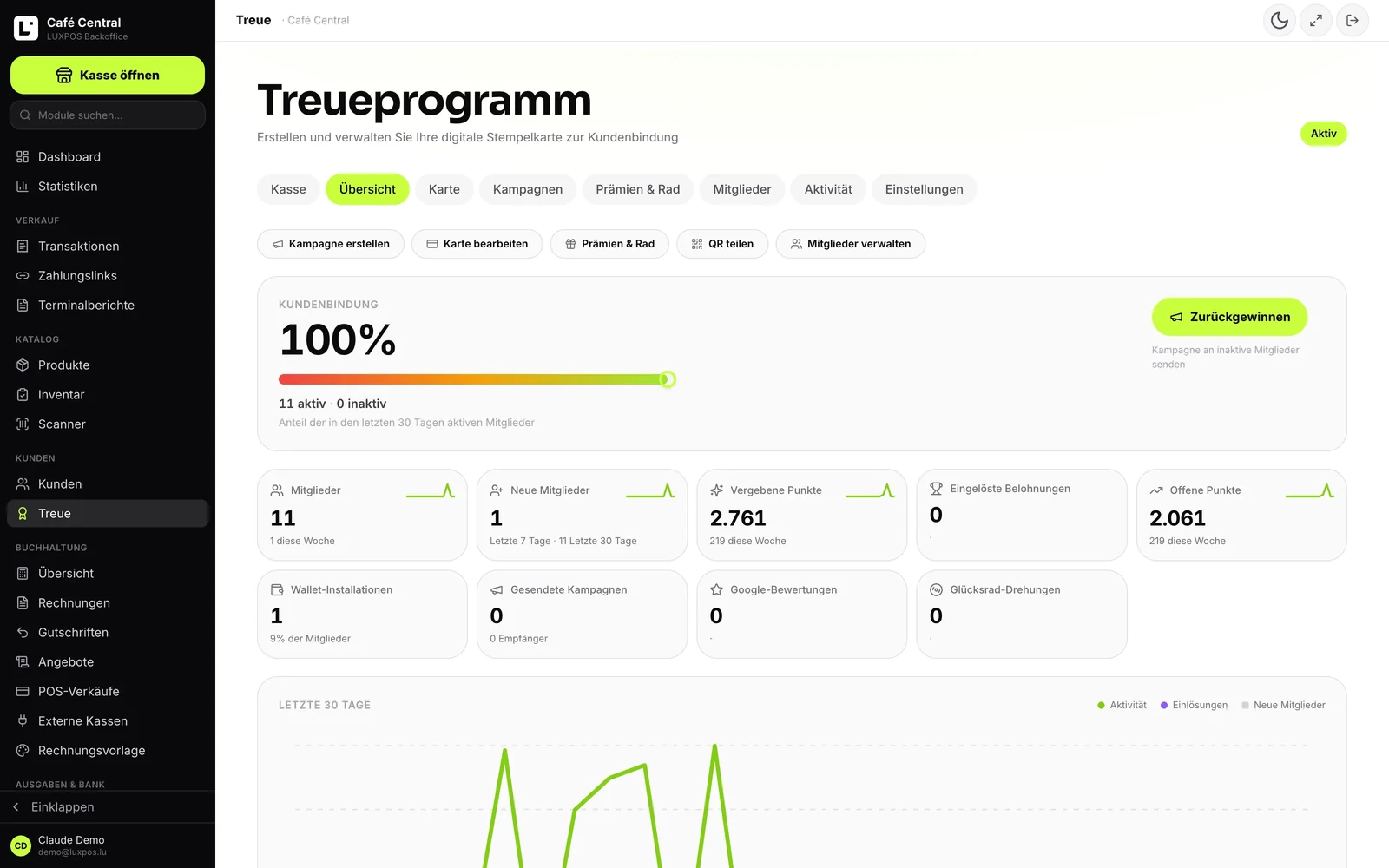
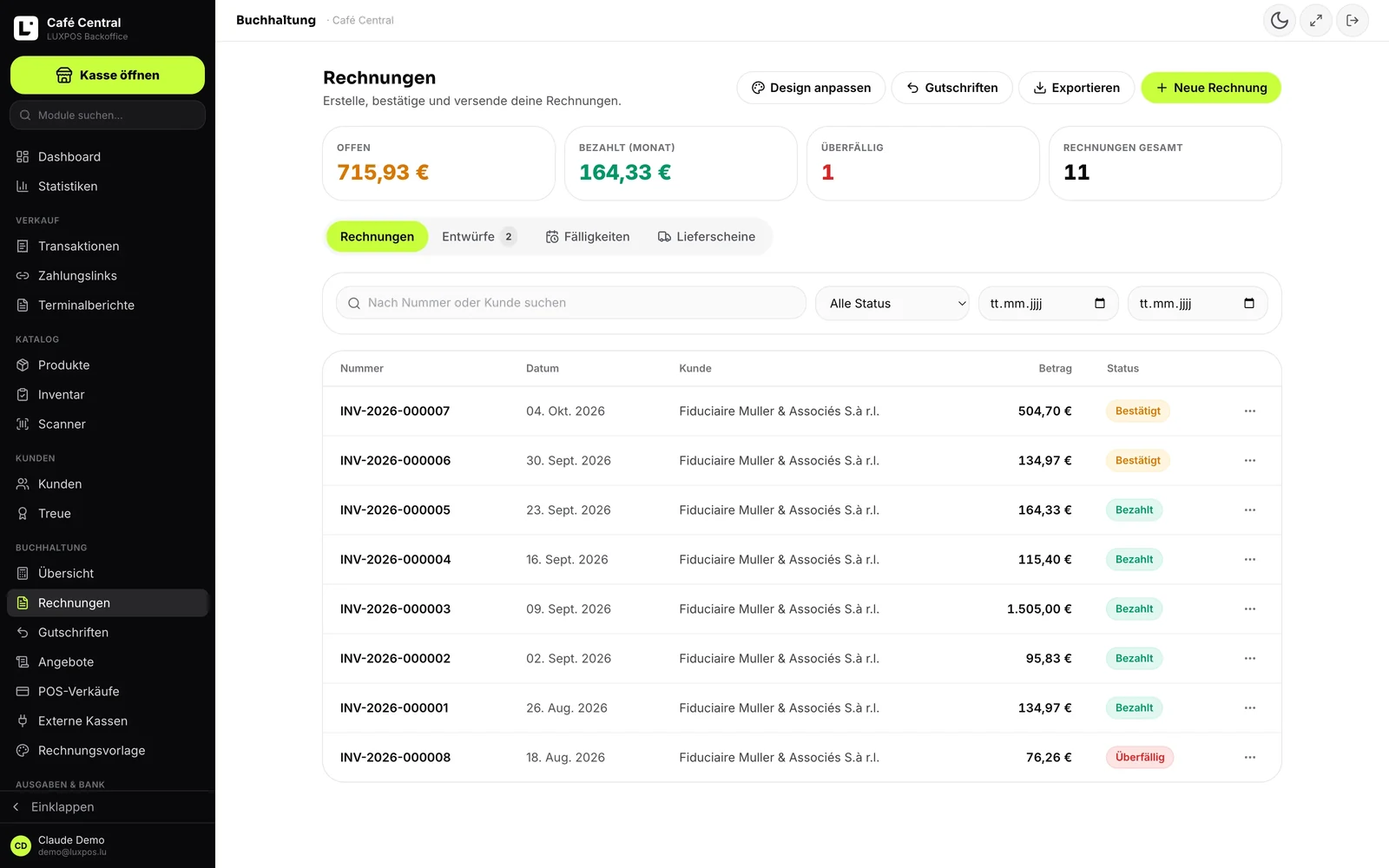
Every image comes from a live account — booked receipts, open tables, finished payslips. No drawn mockups.
Loyalty
Invoices
One file, one account, one statement
The customer file pulls together what used to be scattered: the documents issued, the money received, what is still open and the terms you agreed.
The customer file
Contact details, several addresses and internal notes, visible in house only and never on a document. For a business customer: VAT number, company registration number, customer number and payment terms, which then set the default due date on the invoice.
The account, in three figures
Invoiced, settled, open, plus the credit balance available. The open balance also shows in the customer list, so you see at a glance who is behind.
The statement of account as a PDF
One document with every issued piece, its total, what was settled and what stays open, the payment allocations behind each line and the credit history. Exactly the document to send a customer who disputes a balance.
Credit notes and overpayments
A confirmed credit note is booked to the account, an overpayment is recorded, and the credit is applied to an open invoice, refunded, or left standing. Every movement is reversible: delete the line and it is undone.
Terms and B2B pricing
Customer groups with a default discount, their own payment terms and allowed payment methods, quantity price tiers per group, and a negotiated net price per customer that takes precedence over the rest.
SEPA mandates
A direct debit mandate is set up per customer, the last four digits of the IBAN and the reference are kept, and a confirmed invoice is then collected without the customer doing anything. It is only marked paid once the payment is confirmed.
In Luxembourg practice
Documents and screens use the terms your fiduciaire expects, and the mandatory details of a business customer are captured once on the file.
- Customer VAT number and company registration number, carried onto the invoices.
- Avoir, trop-perçu, imputé, réglé and relevé de compte: the usual wording on French-language documents.
- Customer number assigned by LUXPOS or taken from your own series, so it lines up with your fiduciaire.
- Payment terms per customer, or per customer group.
Customer account questions
- Can I set a credit limit per customer?
- No, and we would rather say so: nothing blocks and nothing warns when the open balance grows. What you have is the open balance, permanently visible in the customer list and on the file.
- Can a customer pay on account at the till?
- No. There is no deferred payment method at the till. The credit balance does the opposite: it spends a credit note or overpayment that is already recorded.
- How does the statement of account work?
- You generate it from the customer's account and get a PDF with the documents issued, the payments allocated and the credits. It is not sent automatically: you decide when and to whom.
- What happens to a credit note?
- It is booked to the customer's account and then applied to an open invoice or refunded. The invoice stays consistent, and the entry is undone by deleting the line on the account.
- Can an invoice be collected by SEPA direct debit?
- Yes, if the customer has signed a mandate. The mandate is set up once, a confirmed invoice is then collected without the customer acting, and it only counts as paid once the payment is confirmed.
- Can we keep our own customer numbers?
- Yes. The customer number is either assigned automatically by LUXPOS, or entered by you when your numbers come from an existing series or another system.
Get your customer accounts straight
We open a file with your own data and produce a statement of account, so you see what the customer would receive.